What each mode does
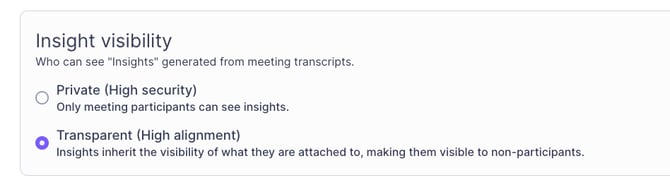
Private (High security)
Only the people who attended a meeting can see the Insights from it. Choose this when meetings often cover sensitive topics.
Transparent (High alignment)
Insights inherit the visibility of the Objective or item they're attached to, so people who weren't in the meeting can see them too. They appear for everyone in Objective summaries and Update suggestions, showing what's actually happening across the business without waiting for it to land in an update. Let your team know before switching, since meeting content becomes more widely visible.
Where to find it and how to turn it on
Insight visibility is in Workspace settings. For now, only the Cascade team can change it: contact your Customer Success Manager or Cascade support and tell them which mode you'd like.